practical mapping of what manufacturers expect → ERPNext modules & DocTypes.
By Annor Amapolley on January 15, 2026
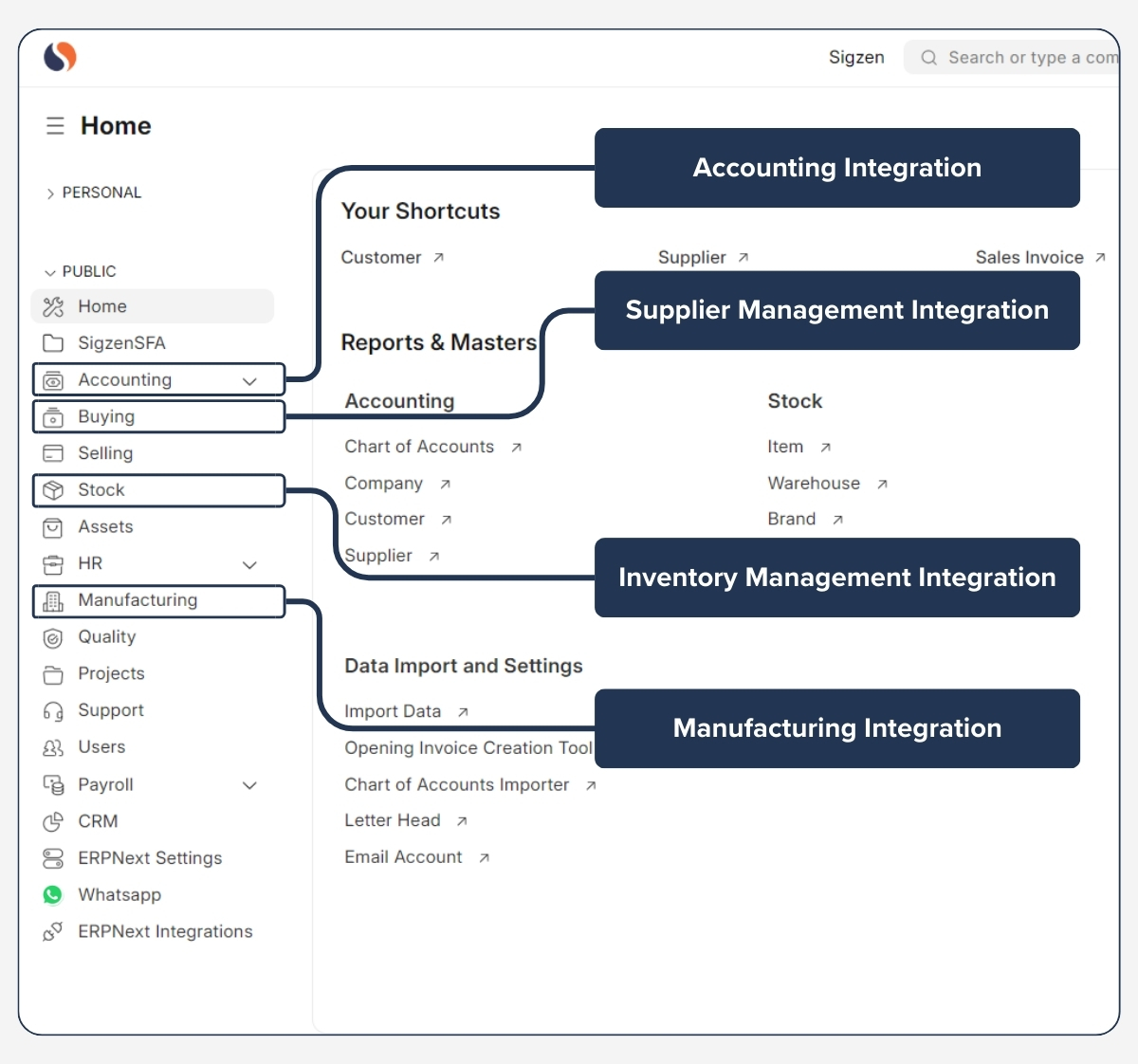
ExpertBelow is a clean, practical mapping of what manufacturers expect → ERPNext modules & DocTypes.
This is written the way you would explain it to a factory owner or operations manager, not as technical documentation.
1️⃣ Product Structure & BOM Control
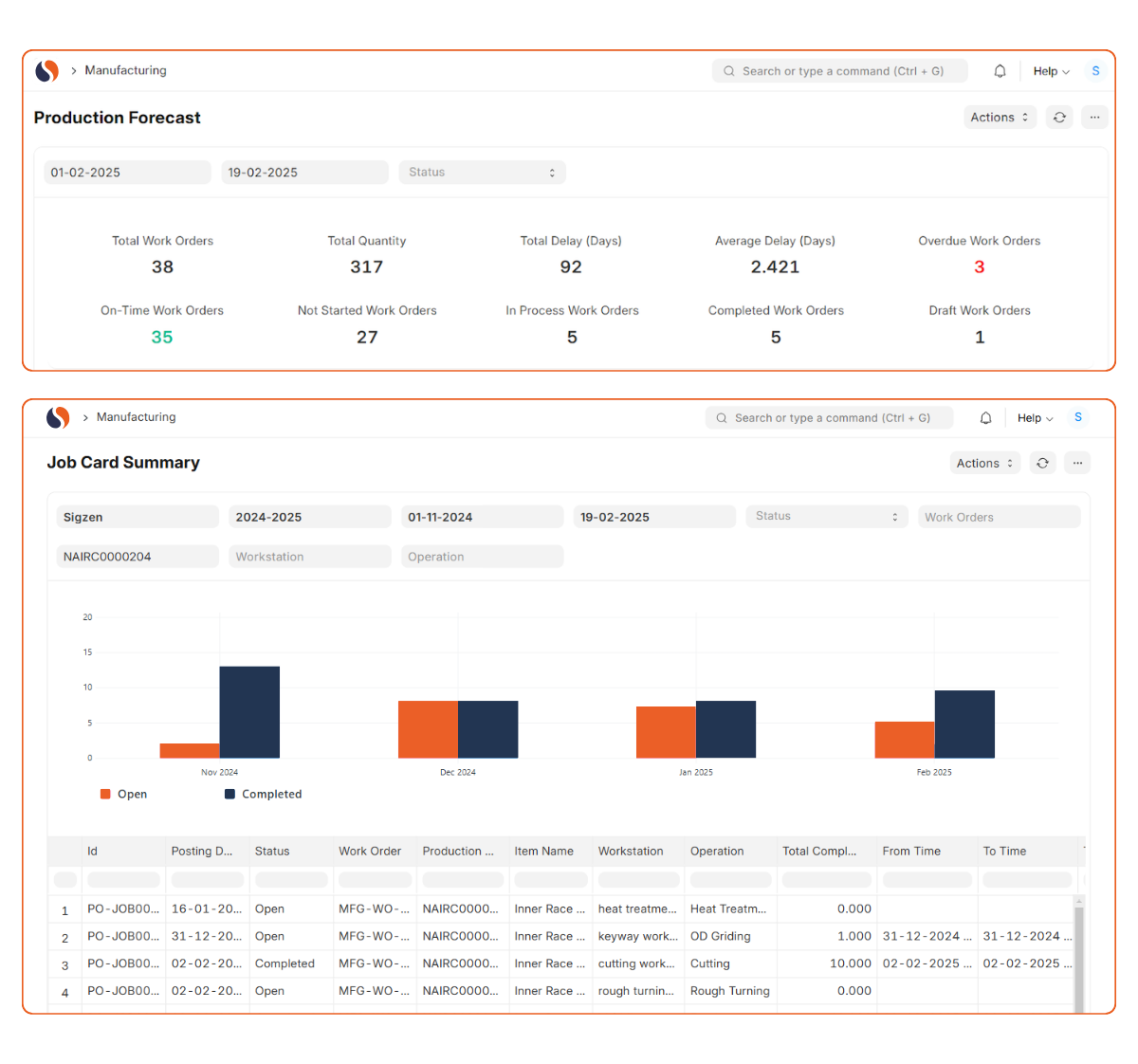
Expectation
“I want to define my products properly and know exactly what goes into each one.”
ERPNext Module
- Manufacturing
- Stock
Key DocTypes
- Item
- Item Group
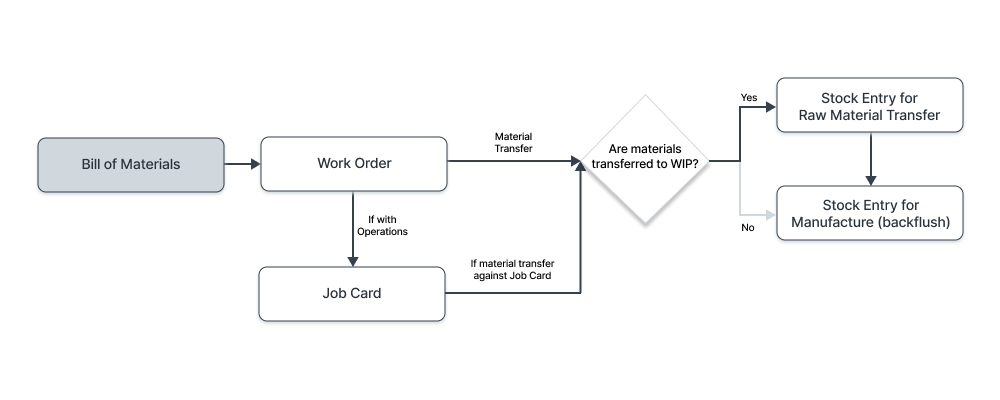
- Bill of Materials (BOM)
- BOM Operation
- Workstation
What ERPNext does
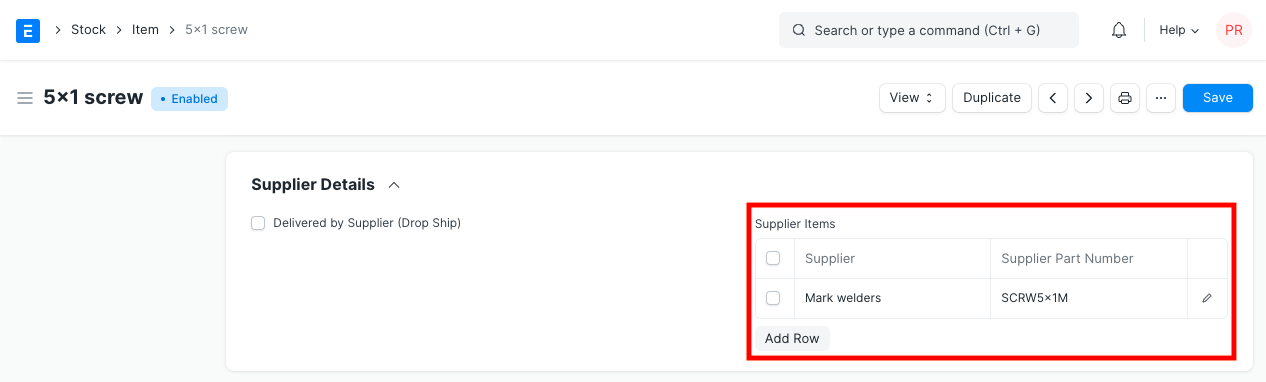
- Defines finished goods, sub-assemblies, and raw materials
- Calculates standard cost per product
- Supports multi-level BOMs
2️⃣ Production Costing (Material, Labor & Overheads)

Expectation
“Tell me the real cost of producing one unit.”
ERPNext Module
- Manufacturing
- Accounts
Key DocTypes
- BOM
- Workstation
- Operation
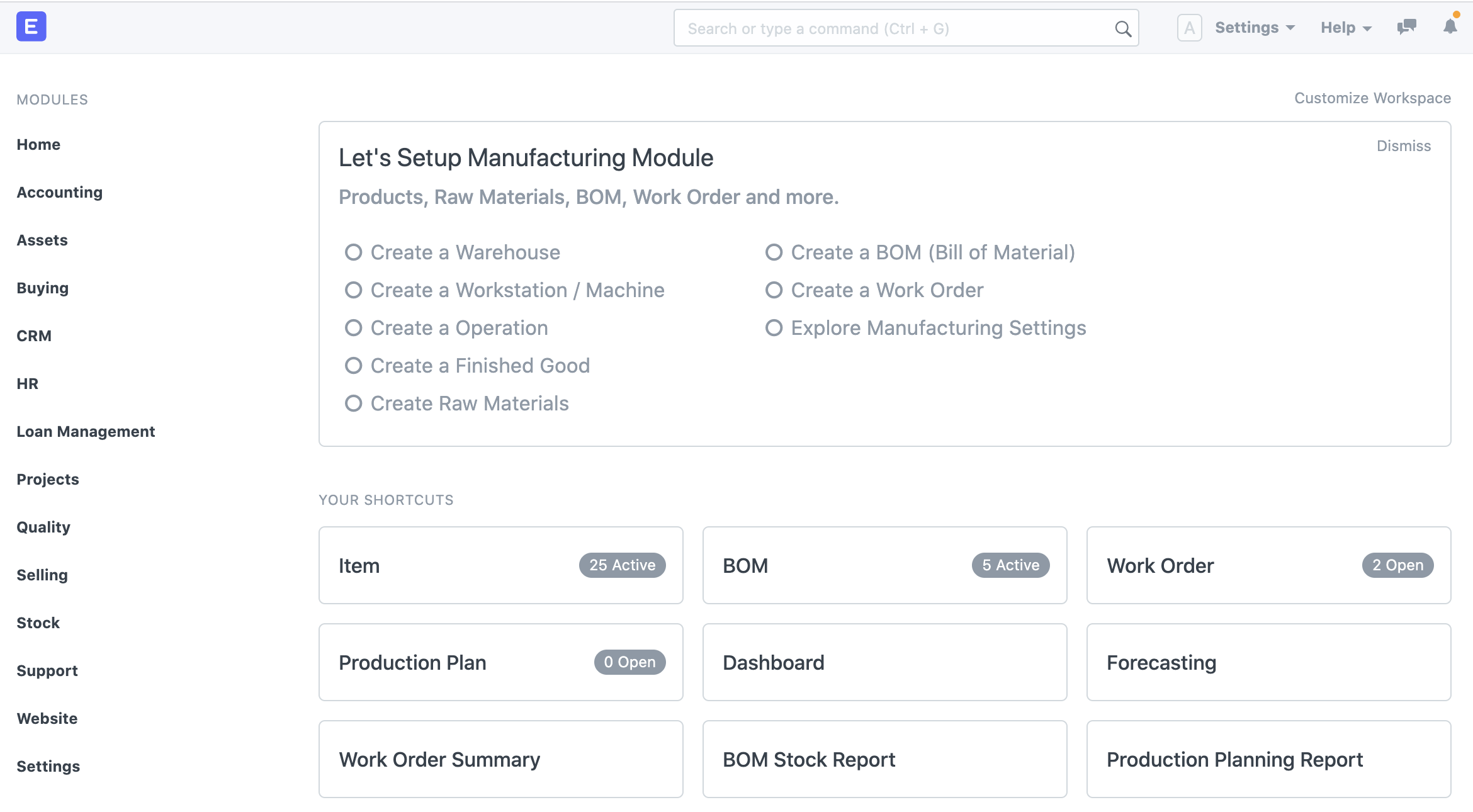
- Work Order
- Stock Entry (Manufacture)
What ERPNext does
- Rolls up:
- Raw material cost
- Operation cost (per hour)
- Posts absorbed cost into inventory
- Updates valuation automatically
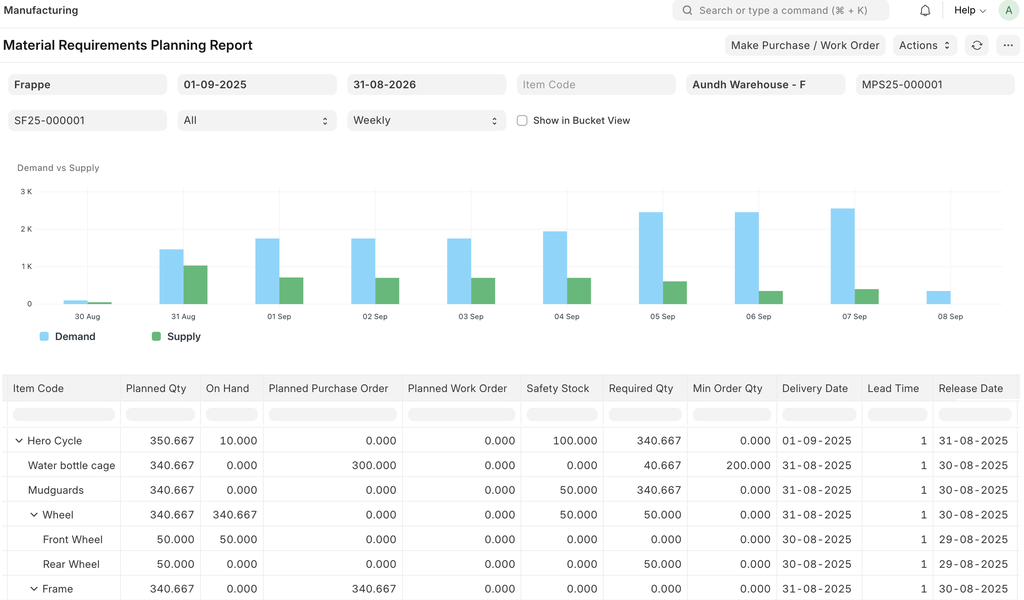
3️⃣ Production Planning & Scheduling

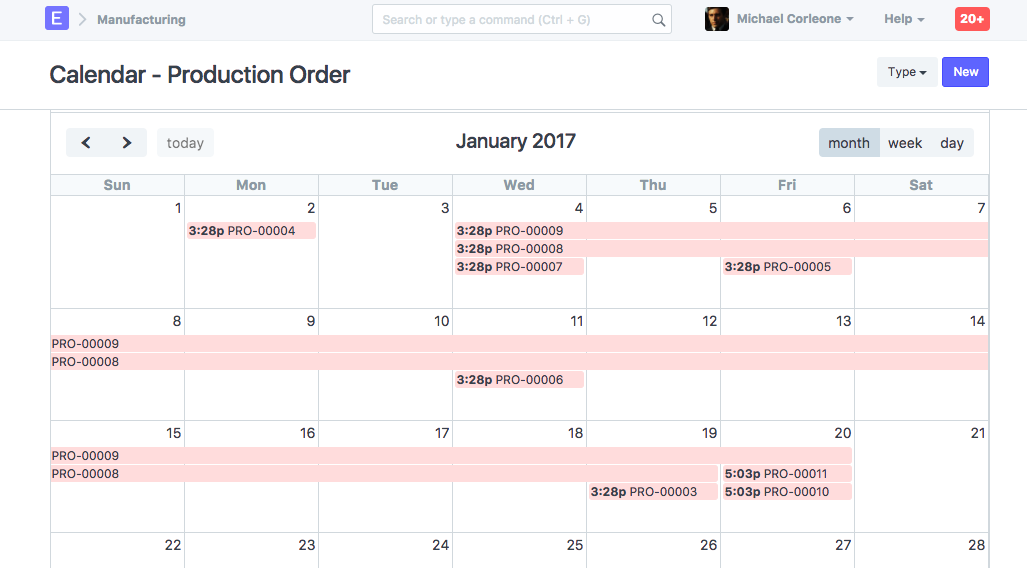
Expectation
“Tell me what to produce, when, and if I have materials.”
ERPNext Module
- Manufacturing
- Stock
Key DocTypes
- Production Plan
- Material Request
- Work Order
What ERPNext does
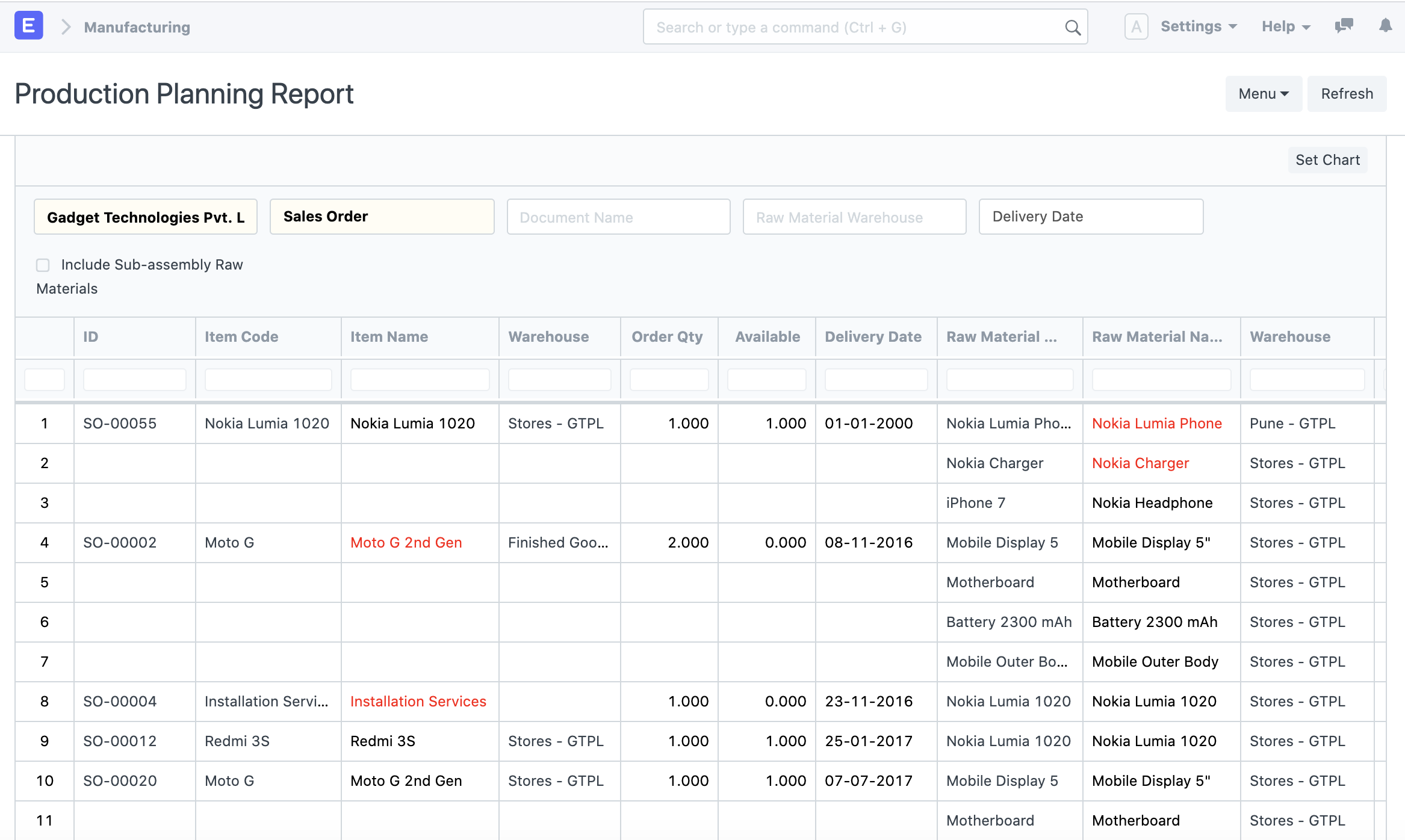
- Converts demand → production plan
- Checks material availability
- Generates work orders and purchase requests
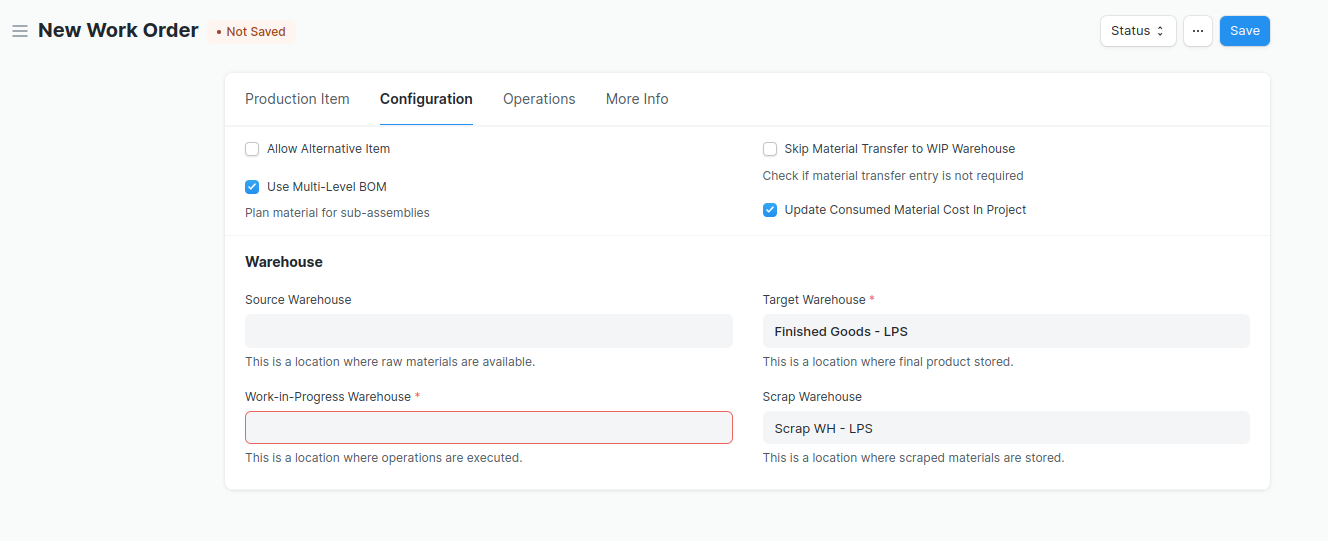
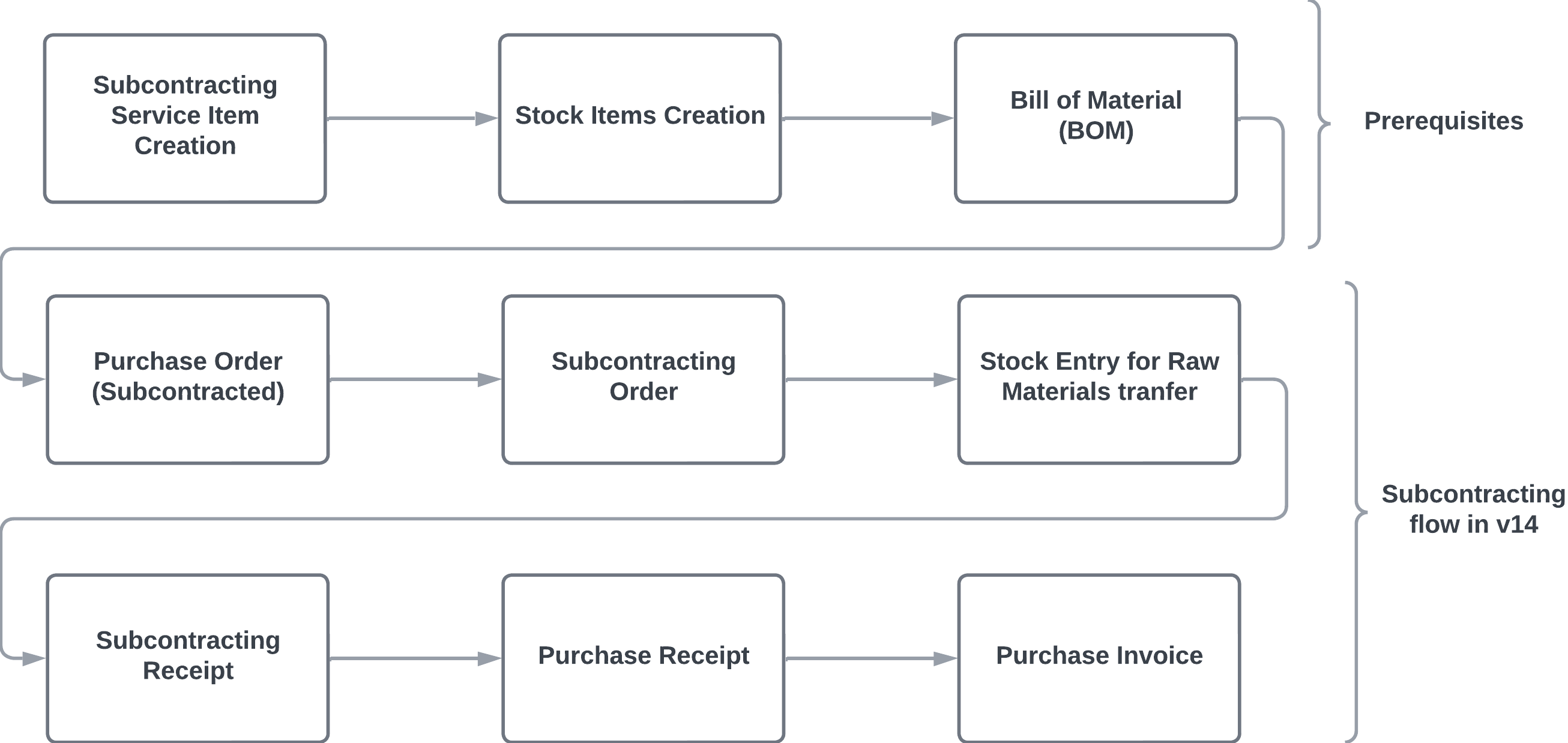
4️⃣ Raw Material, WIP & Finished Goods Control
Expectation
“I want to see where my materials are at every stage.”
ERPNext Module
- Stock
Key DocTypes
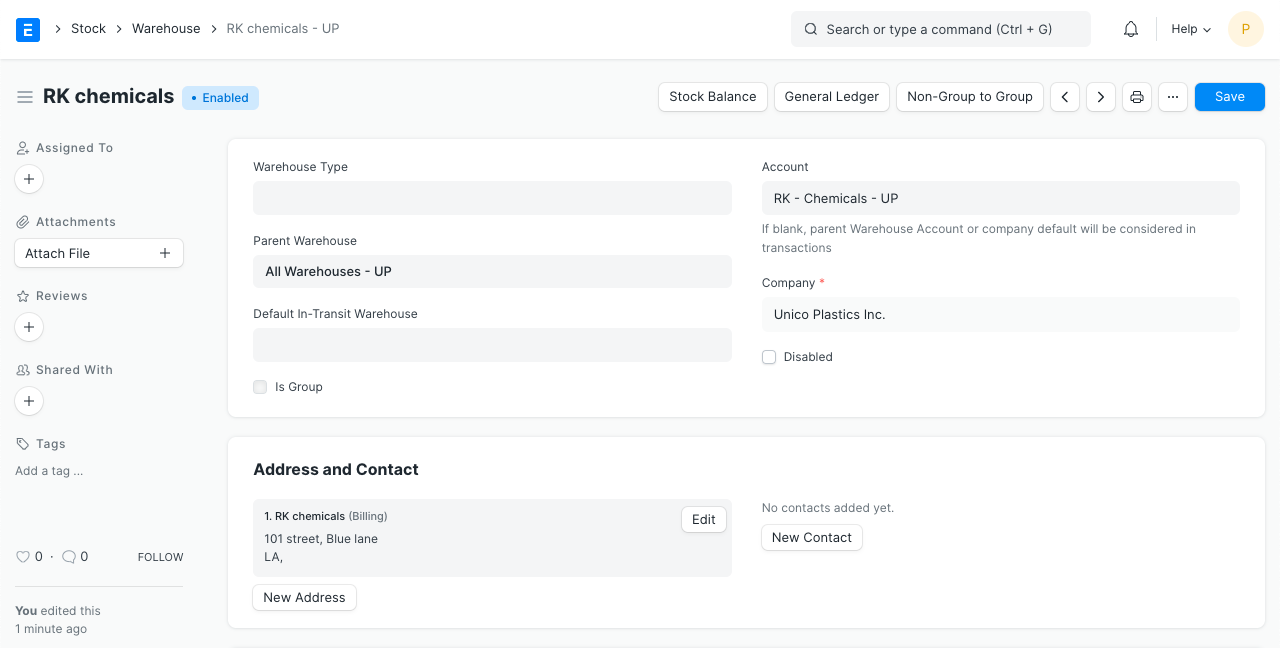
- Warehouse
- Stock Entry
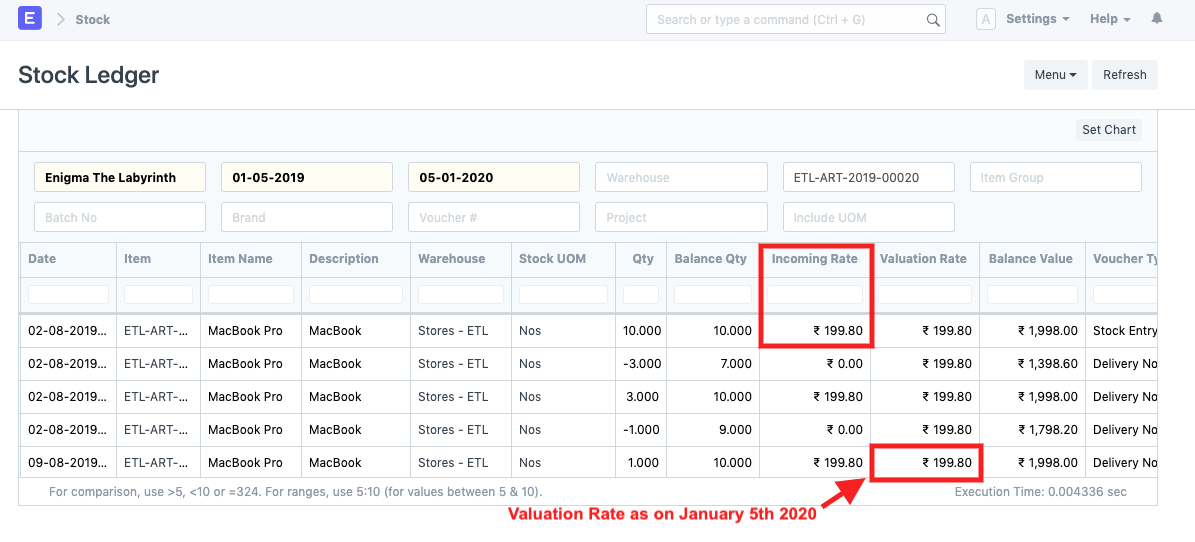
- Stock Ledger Entry
- Bin
What ERPNext does
- Tracks:
- Raw material stores
- Work-In-Progress (WIP)
- Finished goods
- Provides real-time stock balances
5️⃣ Shop Floor & Operations Tracking
Expectation
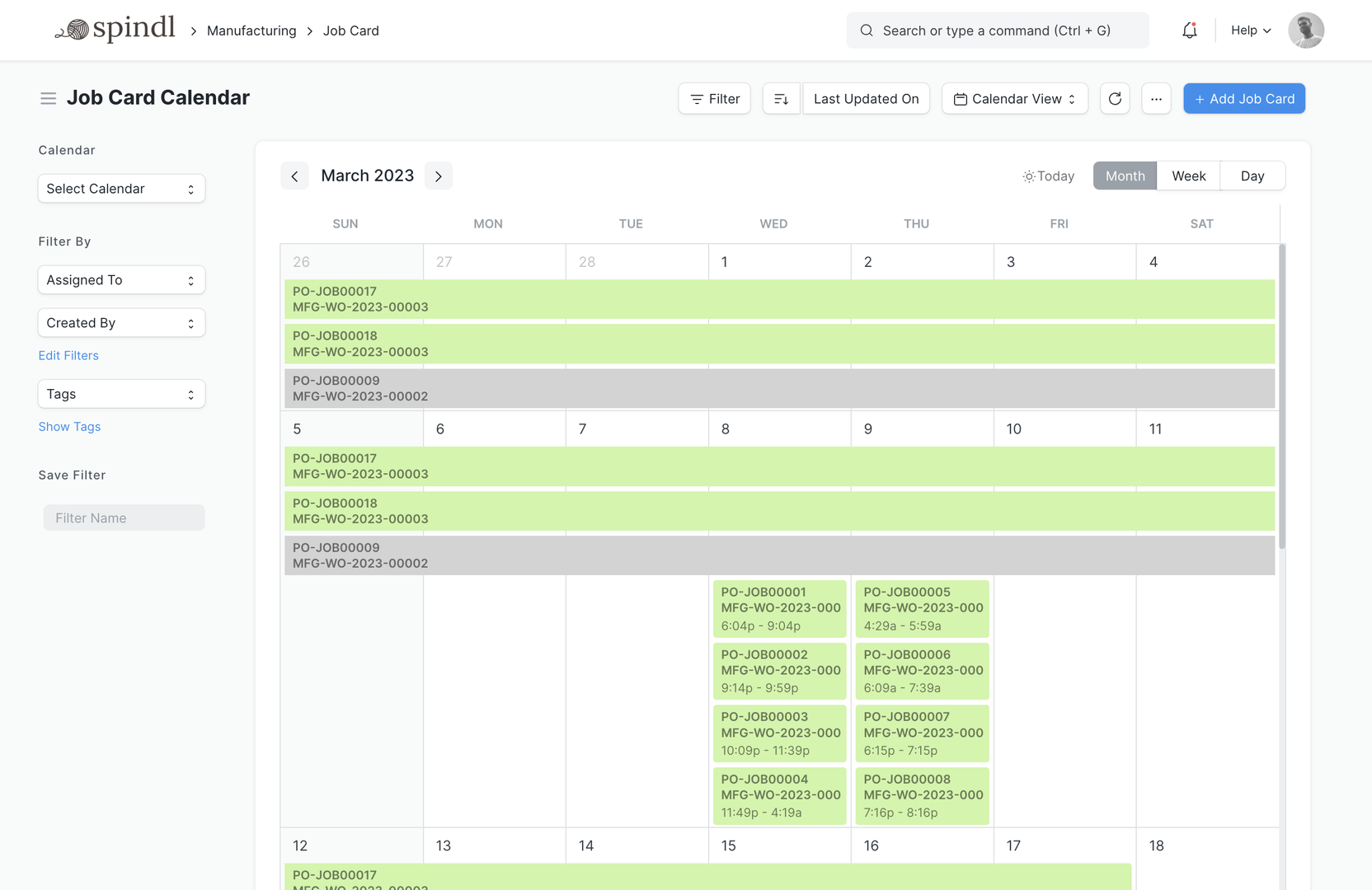
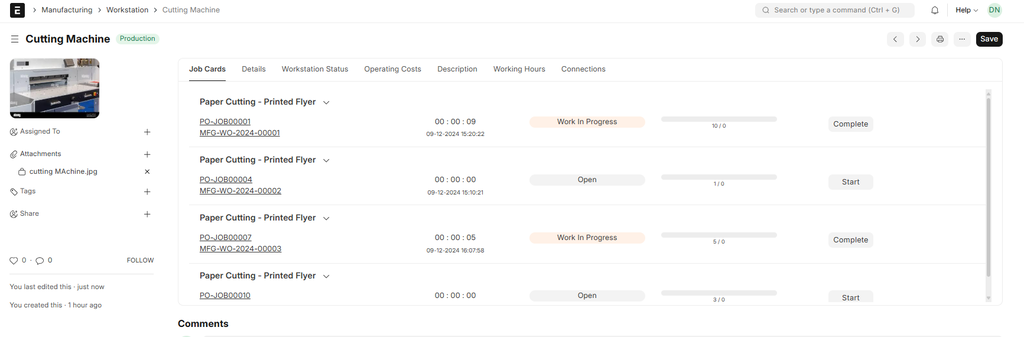
“I want to know who worked on what, for how long.”
ERPNext Module
- Manufacturing
Key DocTypes
- Operation
- Workstation
- Job Card
What ERPNext does
- Captures:
- Operation start/stop time
- Actual hours vs planned hours
- Measures efficiency and bottlenecks
6️⃣ Quality Control & Traceability
Expectation
“I must control quality and trace every batch.”
ERPNext Module
- Quality
- Stock
- Manufacturing
Key DocTypes
- Quality Inspection
- Quality Inspection Template
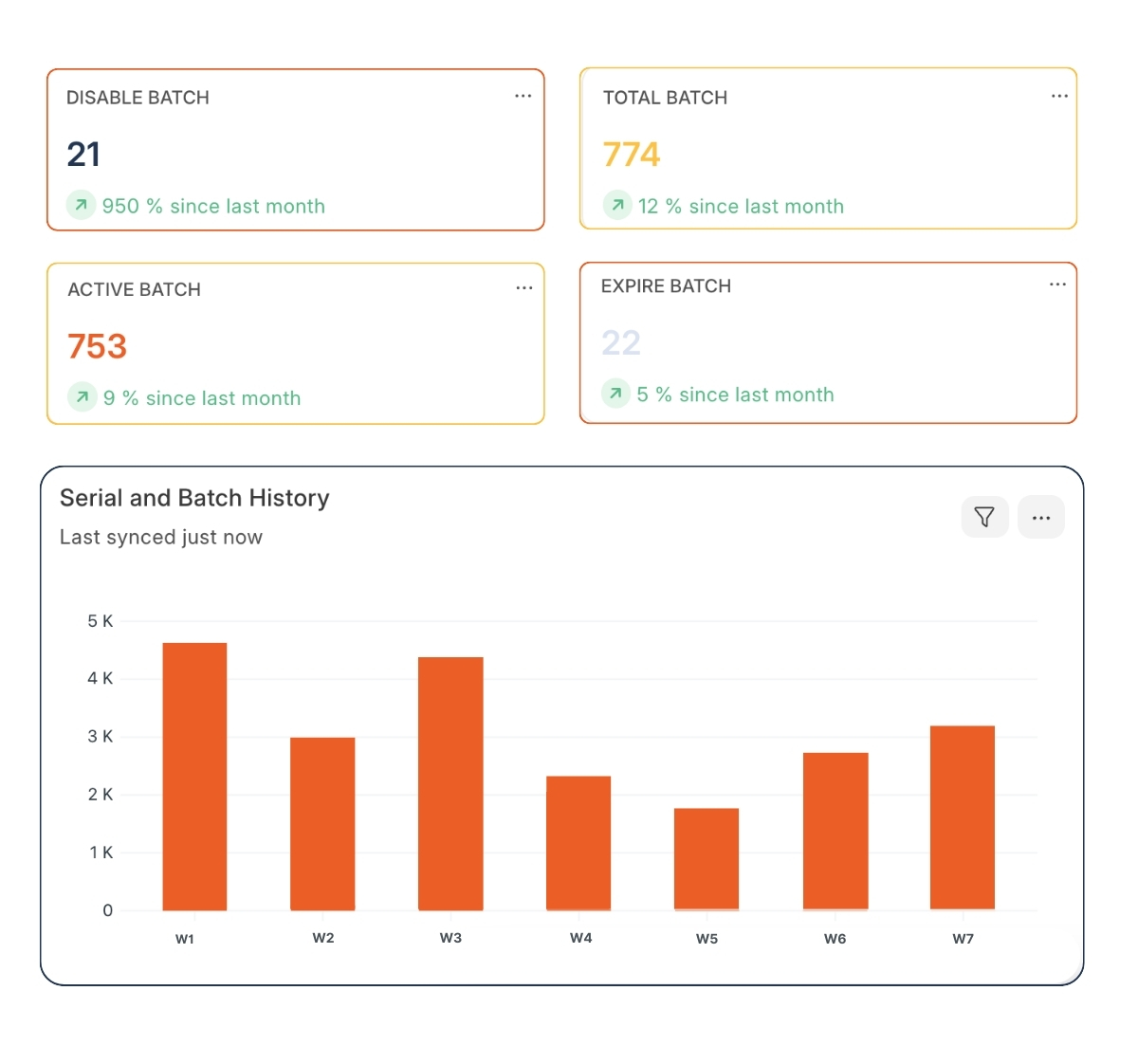
- Batch
- Serial No
What ERPNext does
- Enforces inspections
- Tracks expiry dates
- Enables batch-level traceability
7️⃣ Scrap, Process Loss & Yield
Expectation
“Show me waste, losses, and yield differences.”
ERPNext Module
- Manufacturing
- Stock
Key DocTypes
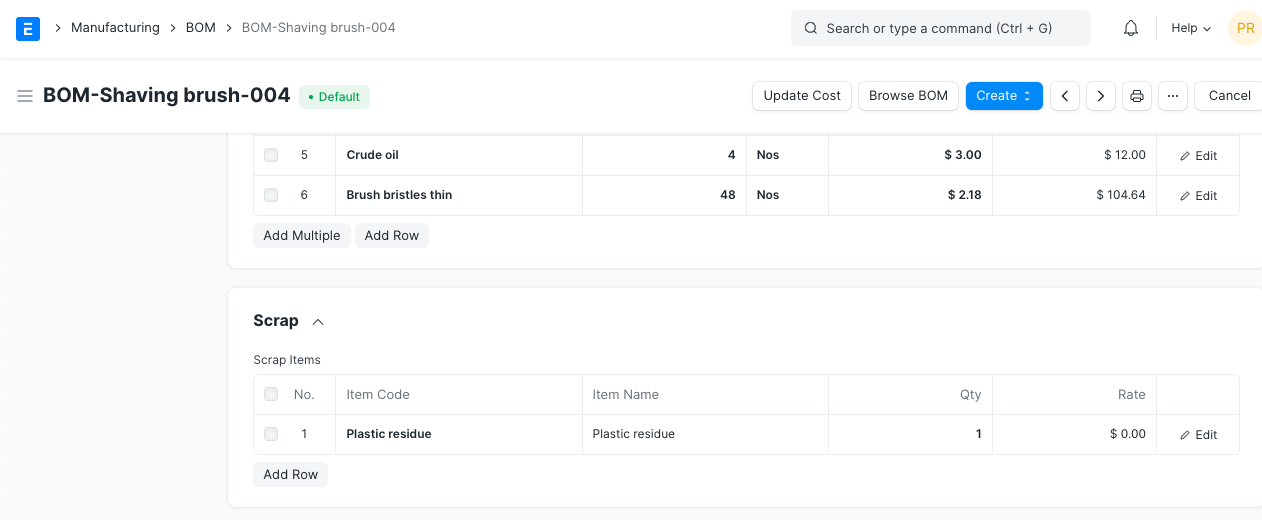
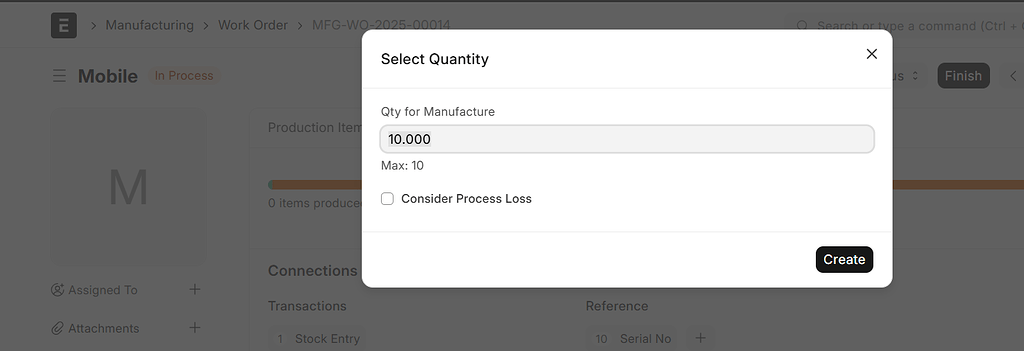
- BOM (Scrap Item / Process Loss)
- Stock Entry
- Work Order
What ERPNext does
- Records scrap during production
- Reflects loss in costing
- Enables yield analysis
8️⃣ Financial Posting & COGS Integration
Expectation
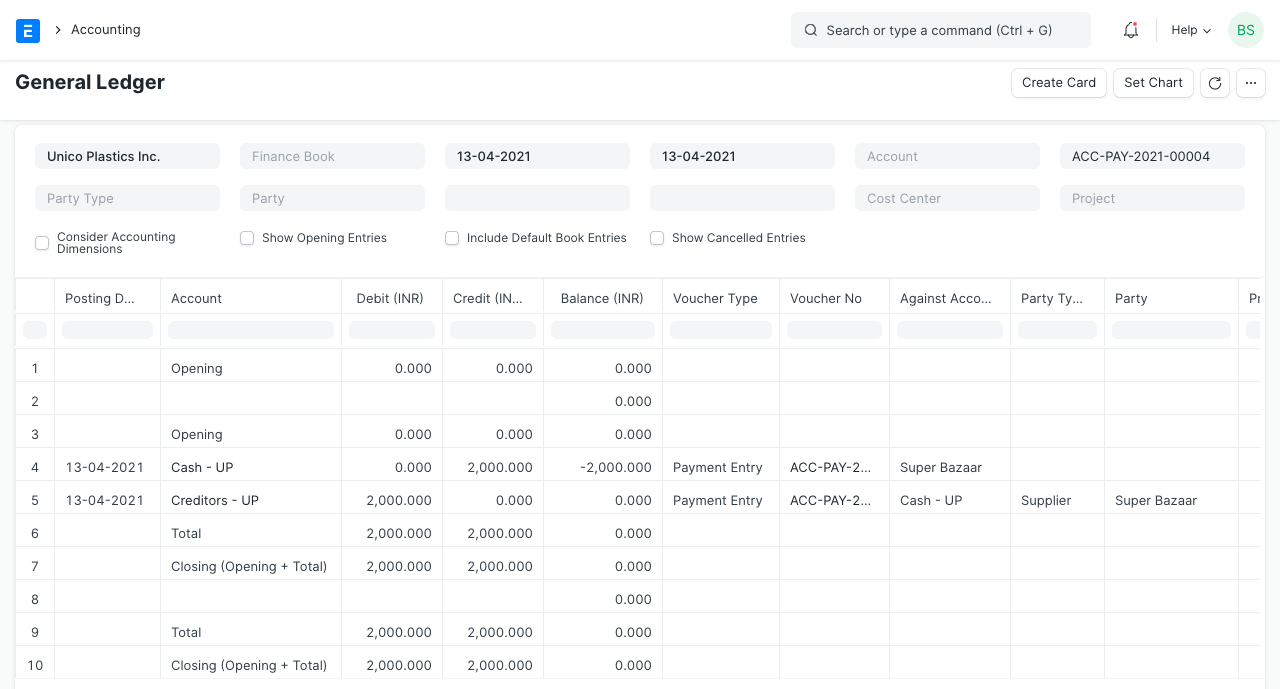
“Production must automatically hit my accounts.”
ERPNext Module
- Accounts
- Stock
- Manufacturing
Key DocTypes
- Stock Entry
- GL Entry
- Account
- Cost Center
What ERPNext does
- Auto-posts:
- Inventory value
- Production cost
- Cost of Goods Sold (COGS)
- Eliminates manual journals
9️⃣ Reporting & Management Dashboards
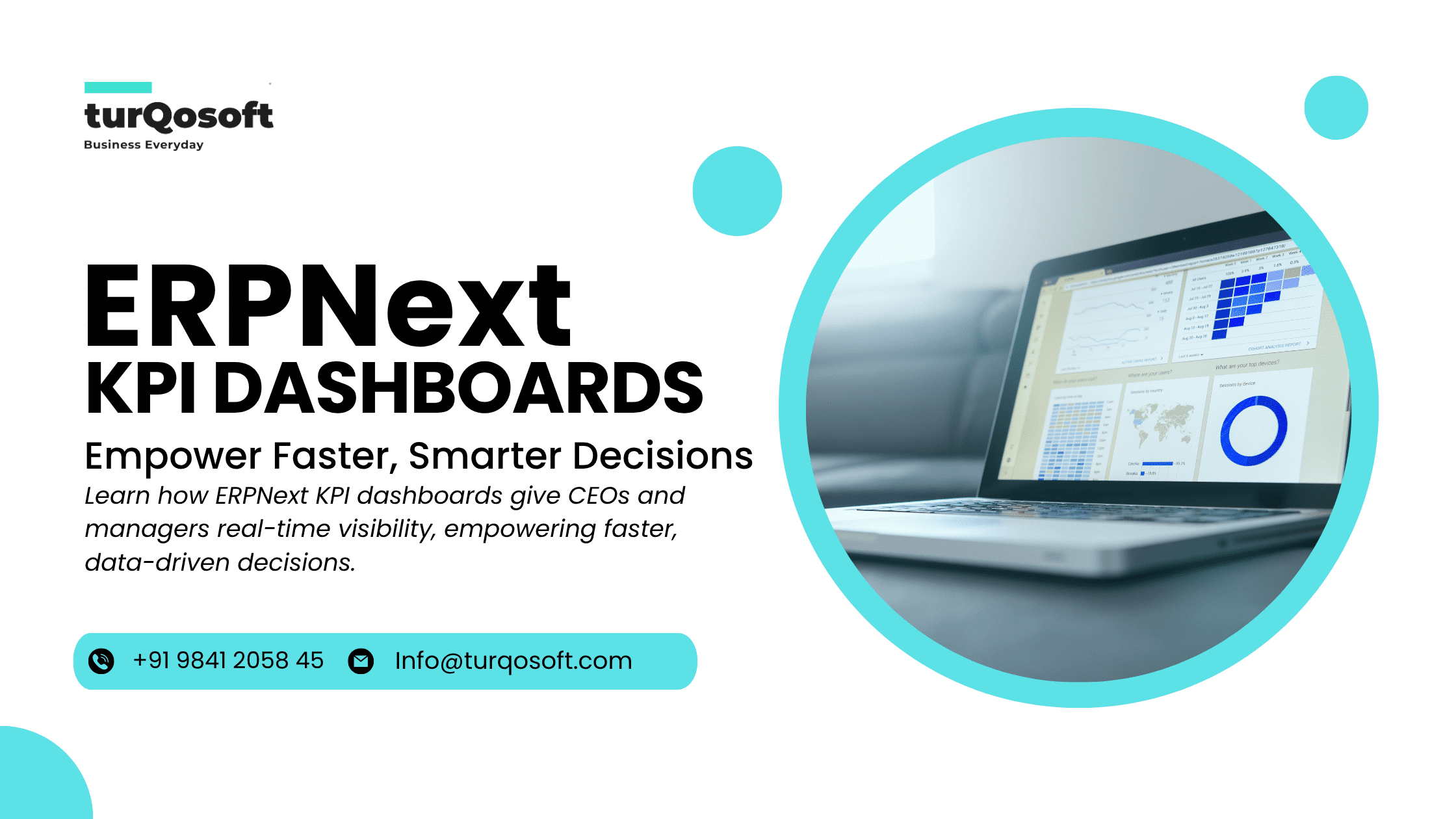
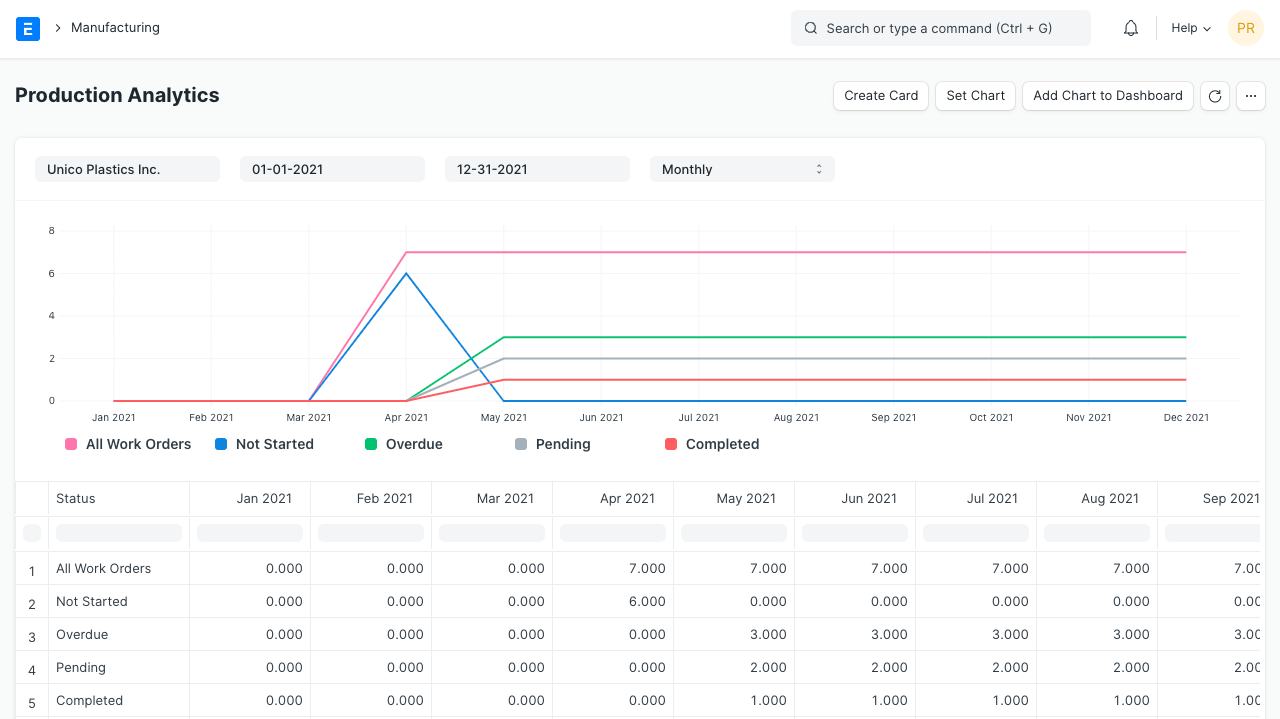
Expectation
“Give me reports that help me make decisions.”
ERPNext Module
- Manufacturing
- Stock
- Accounts
Key DocTypes / Tools
- Query Report
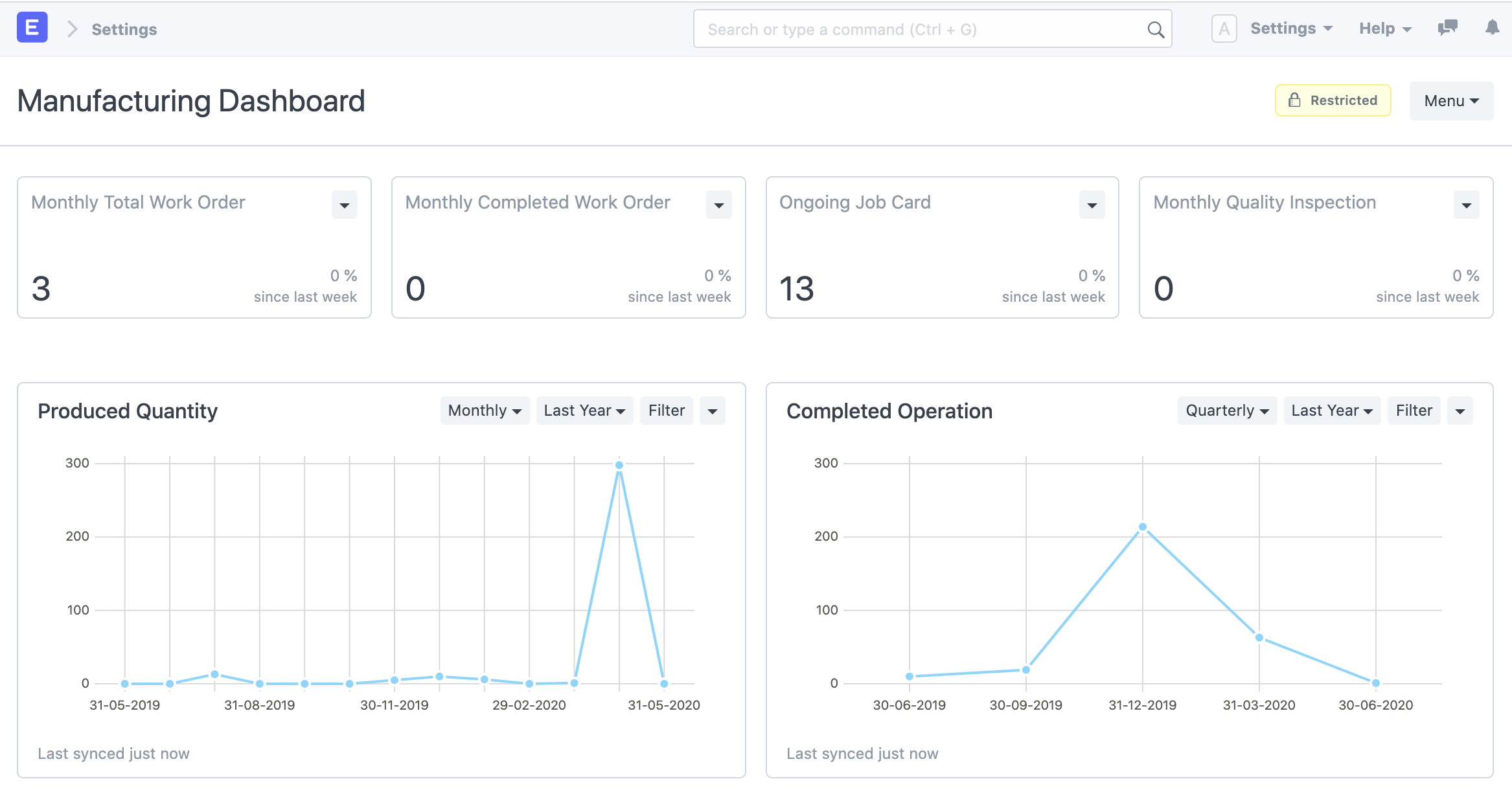
- Dashboard
- Number Card
- Report Builder
What ERPNext does
- Shows:
- Cost variance
- Efficiency
- Profitability by product
- Supports executive dashboards
🔟 Scaling Across Plants & Processes
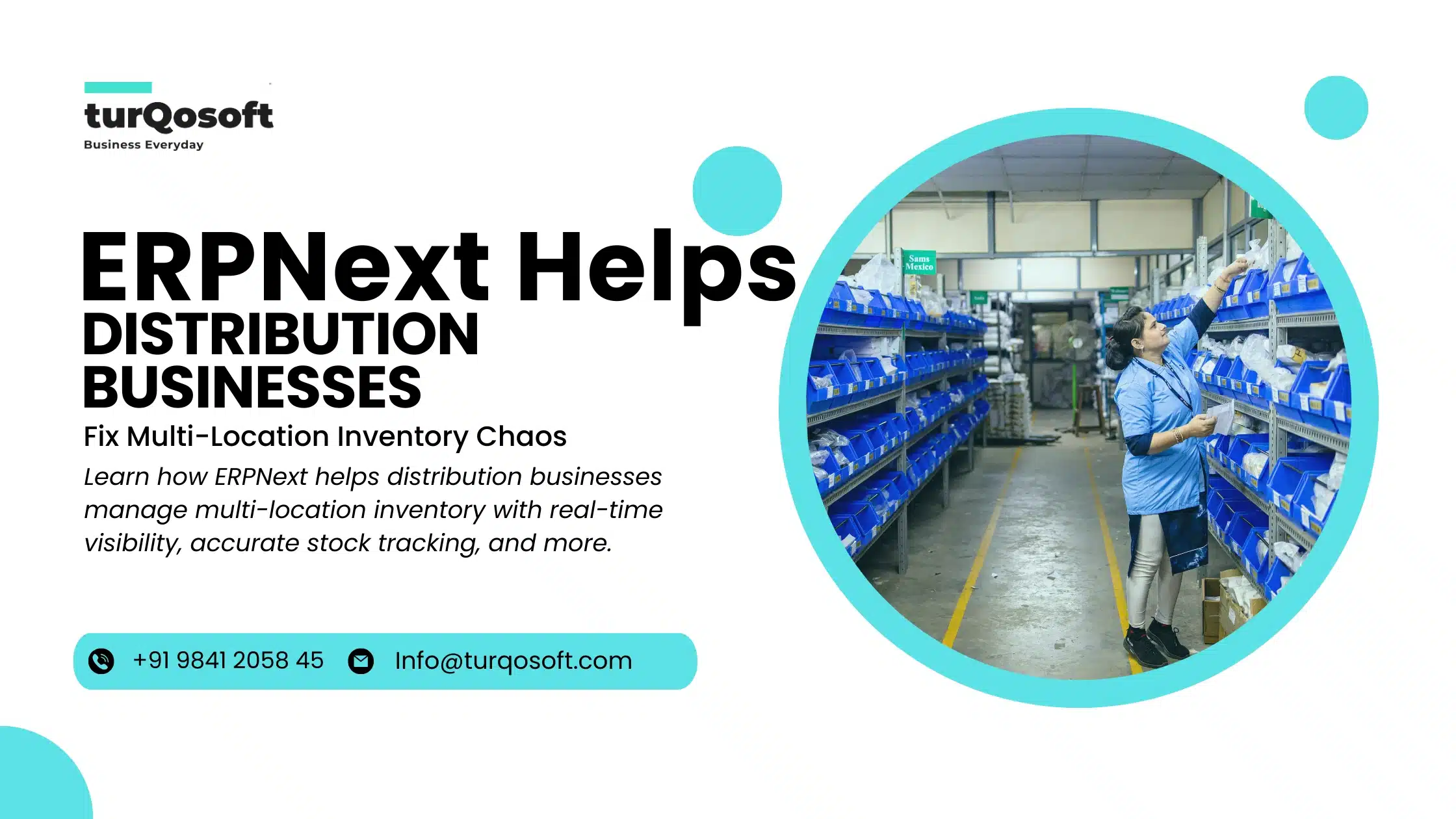
Expectation
“This system should grow with my factory.”
ERPNext Module
- All Core Modules
Key DocTypes
- Company
- Warehouse
- Cost Center
- Workstation
What ERPNext does
- Supports:
- Multiple factories
- Multiple warehouses
- Centralized reporting
🧠 Simple Mental Model (Use this with Clients)
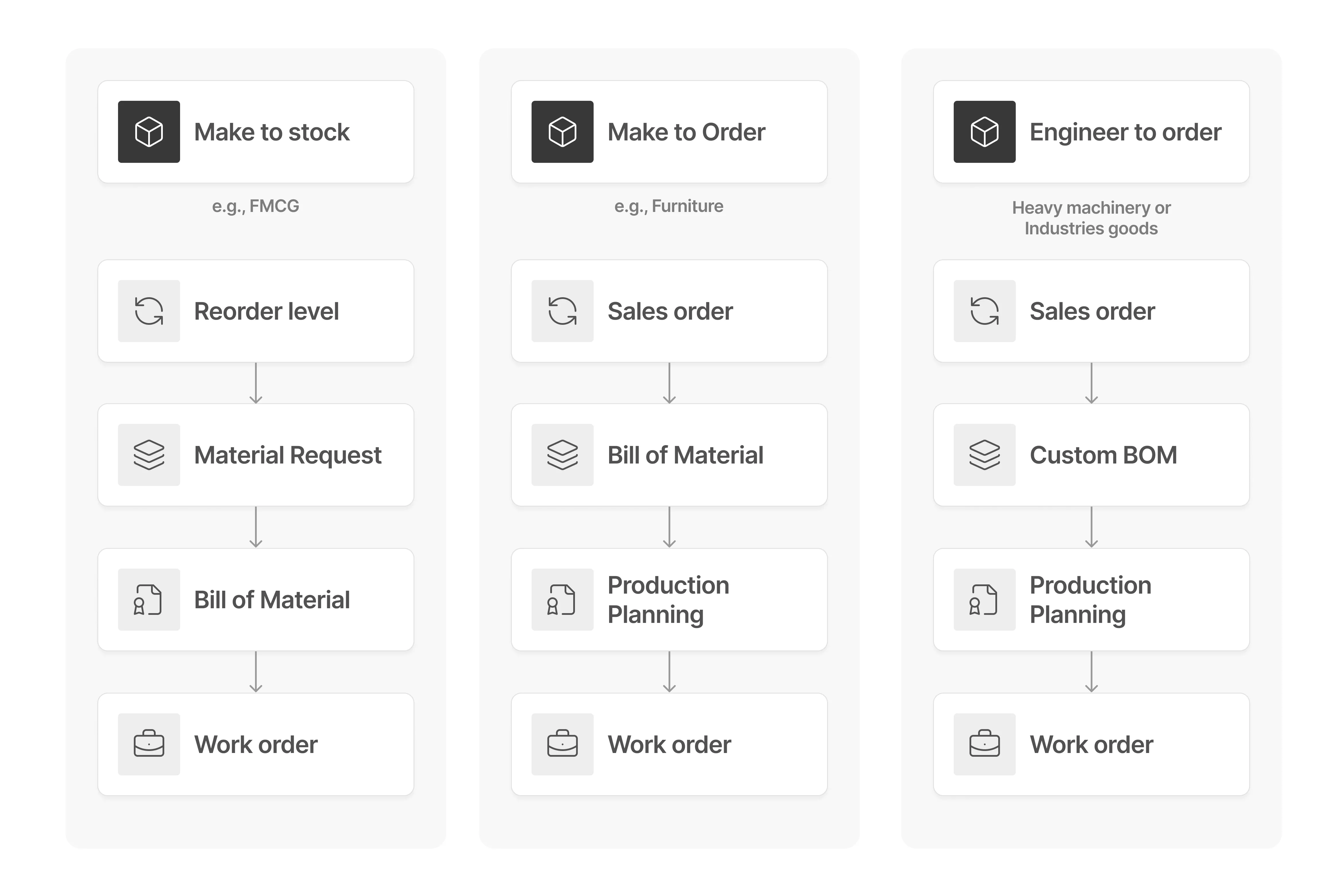
Sales Order → Production Plan → Work Order → Job Card → Stock Entry → Financials → Reports
This is the manufacturing heartbeat in ERPNext.
🎯 Consultant Tip (Very Important)
In demos, don’t start with BOM.
Start with:
“This is how the system shows you your true cost per unit and where money is leaking.”
That instantly connects with owners and CFOs.
No comments yet. Login to start a new discussion Start a new discussion