How to resolve intermittent ERPNext Site Disconnects
By Michael Appiah-Kubi on February 25, 2026
ExpertIn the process of deploying ERPNext, one may come across the below error at least once where a live site suddenly may display below message:
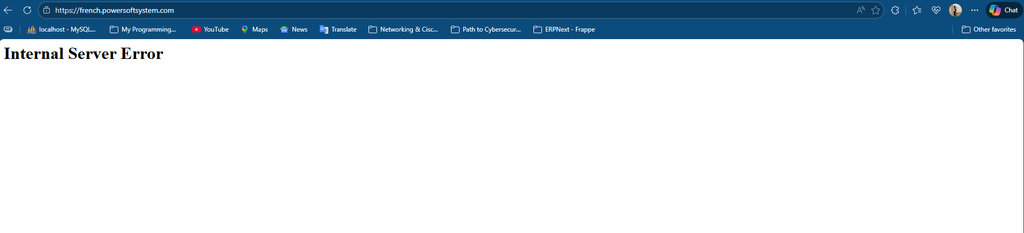
Cause:
- This usually points to a clear case of MySQL being inactive
Solution:
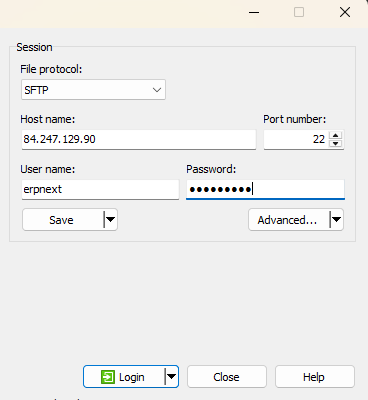
- Whenever faced with such a case, the first thing to do is to login to the server on which your site is hosted as per below:
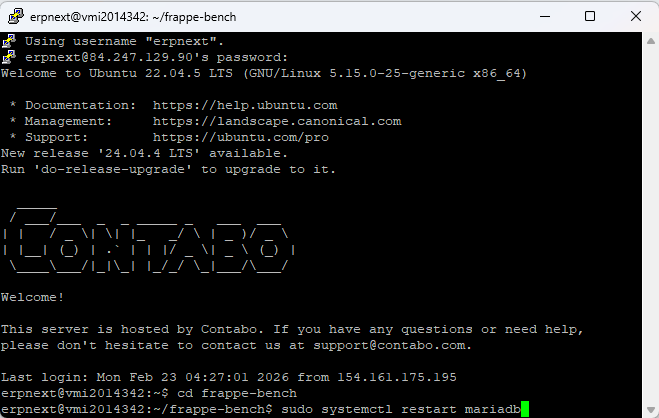
2.You can now navigate to your terminal and run this command to restart mysql: sudo systemctl restart mariadb
Was this article helpful?
No comments yet. Login to start a new discussion Start a new discussion