Creating Subscriptions in ERPNext
By Bright Lartey on January 22, 2026
IntermediatePurpose
To automate recurring billing for customers.
Step 1: Create a Subscription Plan
- Go to Selling → Subscription Plan
- Click New
- Enter:
- Plan Name
- Billing Interval
- Billing Interval Count
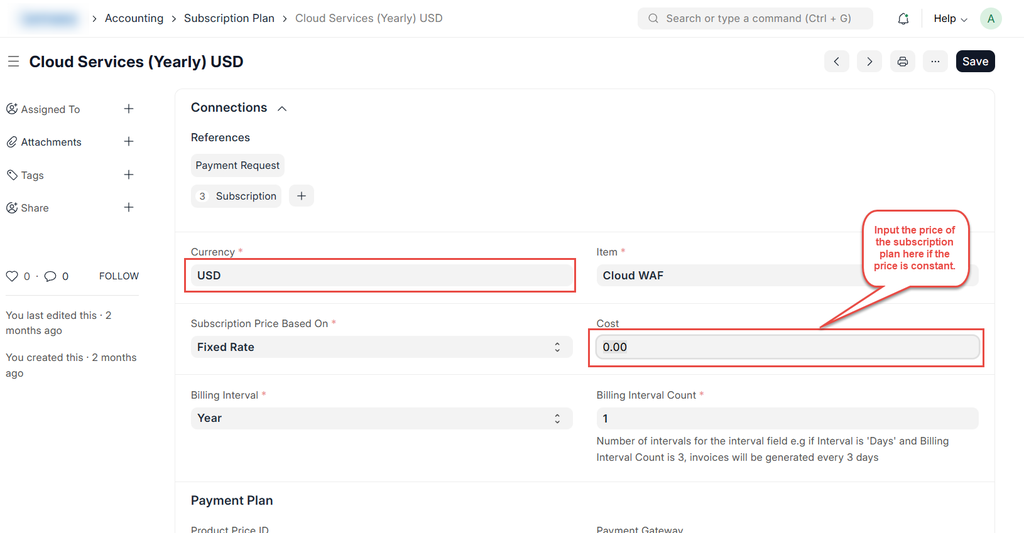
- Add Item, Rate, and Currency
- Save
📷 Screenshot Placeholder – Subscription Plan
Step 2: Create a Subscription
- Go to Selling → Subscription
- Click New
- Select Customer
- Choose the Subscription Plan
- Set Start Date and Company
- Save and Submit
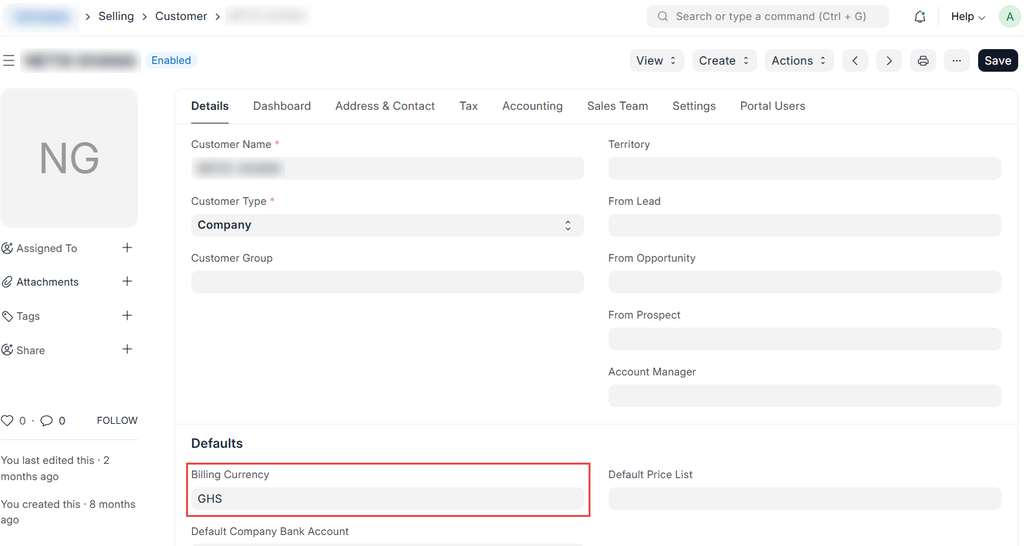
NOTE!: Ensure the customer or supplier billing currency is the same as that of the subscription plan.
Was this article helpful?
No comments yet. Login to start a new discussion Start a new discussion