Creating a Sales Person in ERPNext
By Bright Lartey on January 22, 2026
IntermediatePurpose
To track sales responsibility and performance.
Steps to Create a Sales Person
- Go to Selling → Sales Person
- Click New
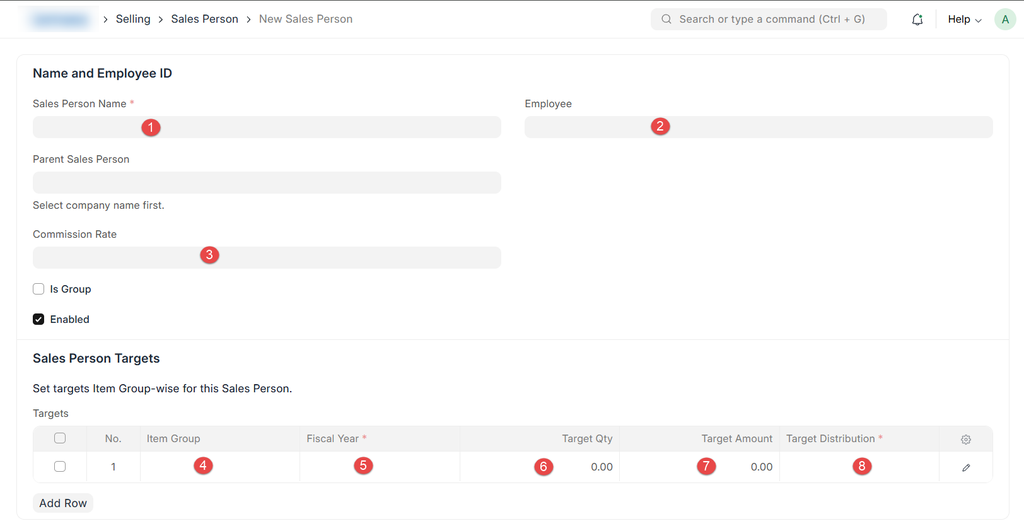
- Enter Sales Person Name
- Link Employee (if applicable)
- Assign Parent Sales Person (optional)
- Save
Usage
Sales Persons can be assigned to:
- Sales Orders
- Sales Invoices
- Quotations
Was this article helpful?
No comments yet. Login to start a new discussion Start a new discussion